At some point your local AI stack stops feeling lean and starts feeling fragile. Mine did. I am running Alfred, my local AI butler built on Ollama, n8n, and a set of specialized agents, and for a while adding new capabilities meant adding more n8n nodes. More nodes meant more credentials to manage, more branches to trace, and more places for something to break silently while a workflow was mid-run. The stack was working, but it was getting harder to maintain the more capable I tried to make it.
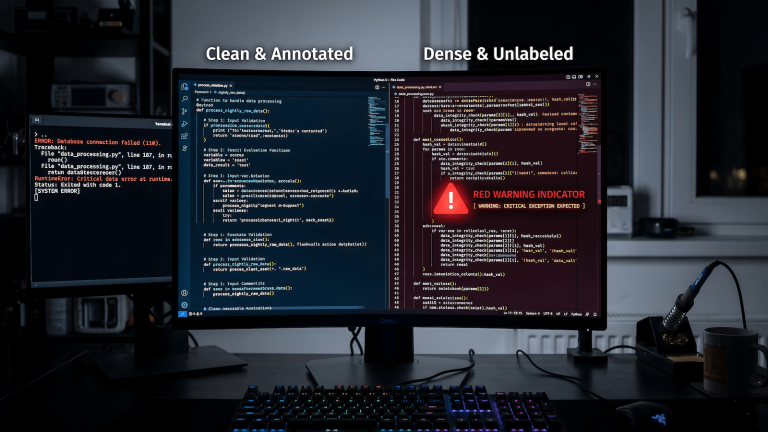
My first attempt at fixing it made things worse. The agents were running on monolithic skill files, single context loads sitting at 6,000 to 8,000 tokens. That context weight hit local LLMs hard. Output quality dropped noticeably compared to what the same model produced on a clean, focused prompt. So I broke the monolithic files down into smaller, more focused skill files under a thousand tokens each. Output quality came back. But now I had more files, which meant more orchestration logic in n8n to load the right file at the right time, which meant more nodes, more branches, and more breakpoints. I had solved the context problem and made the wiring problem worse.
That is the ceiling. Not the model, not the hardware. The wiring. And honestly, I looked for a solution because I was too lazy to keep maintaining an n8n workflow that kept getting more complicated every time I tried to improve it. That is how I found MCP.
What MCP Does (Short Version)
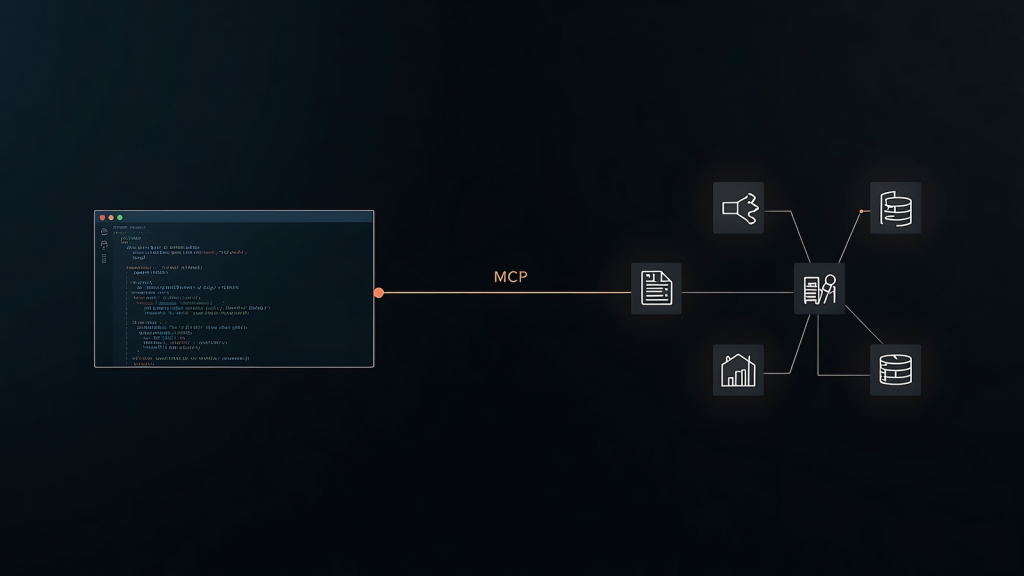
The Model Context Protocol is an open standard that lets AI models connect to external tools through a single consistent interface. Instead of building a custom integration for every tool your model needs to reach, you run an MCP server in front of that tool and the model calls it the same way it calls everything else. File access, search, database queries, browser automation. Same protocol, same call pattern, different server.
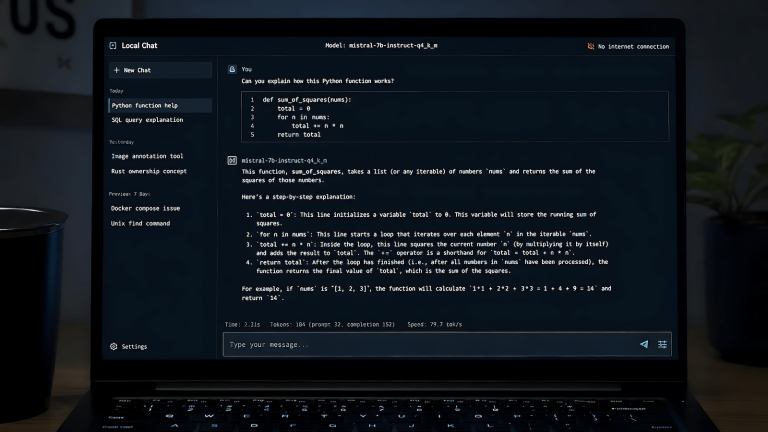
Ollama does not natively speak MCP, so you need a bridge layer. That bridge is MCPHost, a lightweight Go binary that connects your Ollama model to whatever MCP servers you configure. That is the full stack: Ollama runs the model, MCPHost connects it to MCP servers, MCP servers sit in front of your actual tools.
Why This Is Better Than Expanding n8n
N8n is an orchestration tool. It is good at sequencing, routing, and triggering workflows. What it is not designed for is being a tool execution layer on top of its orchestration role, but that is what happens when you wire every capability directly into your workflows as nodes. The more you expand it horizontally, the more the two concerns get tangled together.
The practical problem is breakpoints. Every new node is a new place for something to fail. When it does fail, you are tracing through a workflow where orchestration logic and tool execution live in the same place, which makes the failure harder to isolate. Add enough nodes and you spend more time maintaining the wiring than building anything new.
MCP separates those concerns. N8n stays as the orchestration layer. MCP becomes the tool layer. When you need a new capability you add an MCP server to a config file. You do not touch the workflow. When something breaks you know immediately whether it is an orchestration failure or a tool failure because they are no longer the same thing. The error surface gets smaller as the capability grows, which is the opposite of what happens when you keep expanding n8n.
What You Need Before Starting
This assumes you already have a local AI setup running. You need Ollama installed, Go installed for MCPHost, and Node.js for the official MCP server packages. The one hard requirement is a model that supports tool calling. A model without tool calling will connect but cannot invoke MCP tools, which makes the setup useless.
The practical starting points right now are qwen3:8b for mid-range hardware and gemma4:e4b for anything with a capable GPU. Both have solid tool calling accuracy without demanding hardware that makes local AI impractical. On lower-spec machines qwen3:0.6b runs on minimal RAM but will struggle on anything beyond simple single-tool calls.
Step 1: Pull a Tool-Calling Model
If you do not already have one pulled:
bash
ollama pull qwen3:8bStart Ollama and leave it running on its default port (11434). Verify it responds:
bash
ollama run qwen3:8b "What tools do you have access to?"It will say none. That is expected.
Step 2: Install MCPHost
bash
go install github.com/mark3labs/mcphost@latestIf mcphost is not found after installation your Go bin directory is not in your PATH:
bash
export PATH=$PATH:$HOME/go/binAdd that to your ~/.bashrc or ~/.zshrc to make it permanent. On Windows add %USERPROFILE%\go\bin to your system PATH through Environment Variables.
Step 3: Create the Config File
Create mcp-config.json wherever you keep your project files. This minimal config loads the official filesystem server:
json
{
  "mcpServers": {
    "filesystem": {
      "command": "npx",
      "args": [
        "-y",
        "@modelcontextprotocol/server-filesystem",
        "/path/to/your/workspace"
      ]
    }
  }
}
Replace the path with an actual directory on your machine. The filesystem server sandboxes access to that path. The model can read and write inside it and cannot touch anything outside it. On Windows use forward slashes: C:/Users/yourname/ai-workspace.
Adding a second server means adding another entry to mcpServers. Here is the same config with DuckDuckGo search added:
json
{
  "mcpServers": {
    "filesystem": {
      "command": "npx",
      "args": ["-y", "@modelcontextprotocol/server-filesystem", "/path/to/workspace"]
    },
    "search": {
      "command": "npx",
      "args": ["-y", "duckduckgo-mcp-server"]
    }
  }
}
Each server runs as a subprocess. MCPHost launches them at startup. Adding a capability from this point forward is a config entry, not a build task.
Step 4: Run It and Confirm It Works
bash
mcphost -m ollama:qwen3:8b --config /path/to/mcp-config.jsonMCPHost starts an interactive session, connects to each server, and presents the available tools to the model. Test with something that requires an actual tool call:
List the files in my workspace directoryIf the model calls the filesystem tool and returns the real contents of your directory, the stack is connected end to end. That is the confirmation you need before wiring this into anything larger. The official MCP server registry lists maintained servers for Git, GitHub, databases, Slack, Brave Search, and more. Every one follows the same config pattern above.
Where It Still Has Limits
Local models are not equal to frontier models on complex tool chains. Single-tool calls with clear parameters work reliably on qwen3 and gemma4. Multi-step chains where the model has to decide which tool to call, handle ambiguous inputs, and reason across multiple results are where smaller local models start making mistakes. When you hit that ceiling the answer is a more capable model, not a different config. How you prompt that model also matters more than people expect once tool calling is in the picture.
MCP also does not handle security for you. Connecting a model to your filesystem or a database through MCP means giving it real access to those things. Sandbox your paths, scope your credentials, and do not point a local development setup at anything production. The hidden costs of AI automation are rarely the compute bill. They are usually the maintenance burden of a system that grew faster than its guardrails.
The other thing worth knowing is that this is a local development pattern. MCPHost runs MCP servers as subprocesses over stdio, which works well for a personal stack but is not how you would deploy this for multiple users in a production environment. For the use case this article is about, making your local agent stack less fragile as it grows, it is exactly the right approach.