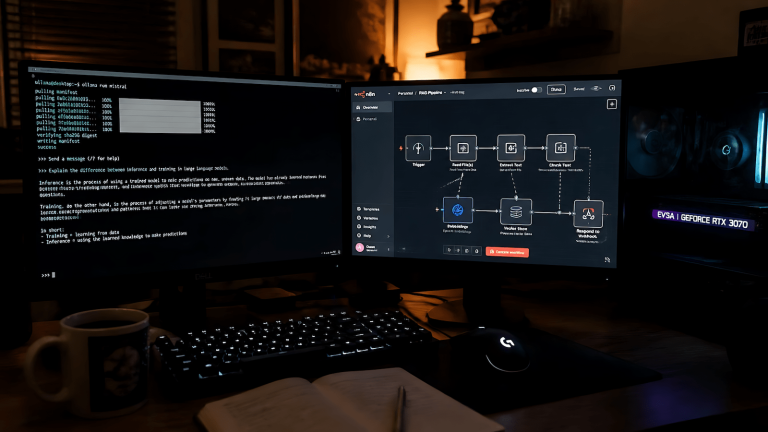
The assumption baked into most AI tooling is that you have a decent GPU, a stable internet connection, and the patience to wait for an API response. Edge AI breaks all three of those assumptions on purpose. Running inference on low-power devices, single-board computers, older laptops, mobile hardware, embedded systems is a different problem from running it on a workstation, and the gap between what’s theoretically possible and what actually works is wider than most writeups admit.
Edge AI on low-power devices matters because not every use case tolerates cloud dependency. Latency-sensitive applications, privacy-constrained environments, offline-first deployments, and cost-sensitive operations all push inference toward the edge. Understanding what actually runs without the cloud requires knowing where the real bottlenecks are, not just which models claim to be lightweight.
Where the Bottlenecks Actually Are
RAM is the first constraint on low-power hardware, and it’s the one that kills more deployment attempts than anything else. A 7B parameter model in full float32 precision needs roughly 28GB of RAM. Quantized to 4-bit, that drops to around 4GB still more than a Raspberry Pi 4’s usable ceiling but manageable on a device with 8GB of shared memory. Understanding LLM quantization isn’t optional for edge deployment. It’s the entire game.
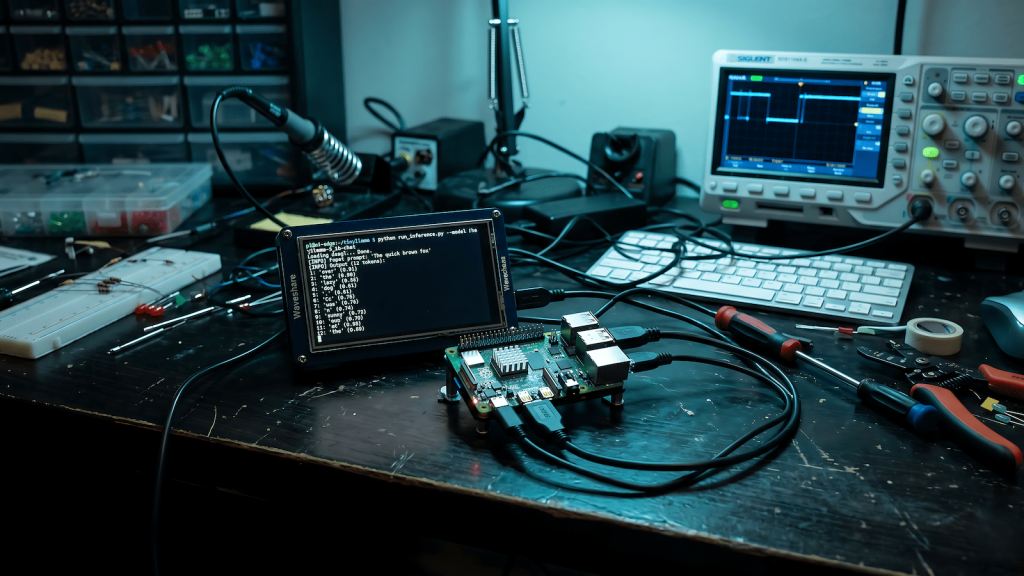
Compute throughput is the second constraint. A device without dedicated silicon for matrix multiplication with no GPU, no NPU, no Apple Neural Engine equivalent is running inference entirely on CPU. That’s slow. Not unusably slow for every application, but slow enough that real-time use cases become impractical. A Raspberry Pi 5 can run a quantized 1B model at a few tokens per second. That’s fine for batch processing. It’s not fine for interactive use. Knowing how to improve LLM inference speed becomes critical when you’re working within tight hardware constraints.
What Actually Runs on Constrained Hardware
llama.cpp is the most important tool in edge AI deployment because it was built specifically for CPU inference with quantization support from the ground up. It runs on ARM, x86, and RISC-V hardware without a GPU and supports every major quantization format. If you’re targeting a device without a discrete GPU, llama.cpp is your starting point, not an afterthought.
Models in the 1B to 3B parameter range with aggressive quantization are the practical ceiling for most low-power devices. Phi-3 Mini, Gemma 2B, and Llama 3.2 1B are worth testing on your target hardware before committing to a deployment architecture. The honest answer is that none of them match a 70B model for reasoning quality, and you need to build your application around that constraint rather than pretending it doesn’t exist.
Whisper.cpp deserves a mention for voice applications. OpenAI’s Whisper speech recognition model, ported to C++ with quantization support, runs comfortably on CPU-only hardware at the tiny and base model sizes. If your edge deployment needs local speech-to-text without a cloud API, this is one of the few cases where the quality-to-compute tradeoff actually works in your favor.
Deployment Patterns That Work
Batch processing is more practical than real-time inference on edge hardware. If your application can tolerate queuing inputs and processing them asynchronously, you can extract real value from a low-power device running a quantized model. Document classification, content moderation at low volume, local summarization, and structured data extraction from text all fit this pattern. Trying to force real-time conversational inference onto a Raspberry Pi is the wrong problem to be solving.
Hybrid architectures are worth considering when latency matters but full cloud dependency doesn’t fit. Run a small local model for fast, low-stakes inference, intent classification, routing decisions, simple extraction and fall back to a remote API only when the task requires more capability. This pattern keeps costs down, reduces latency for the common case, and preserves privacy for inputs that shouldn’t leave the device.
Model serving frameworks designed for edge constraints include Ollama, which handles model management and a local API server with a reasonable footprint, and MLC LLM, which compiles models for specific hardware targets including mobile silicon. Neither is magic but both abstract away enough of the deployment complexity to be worth using over a raw llama.cpp integration.
What Doesn’t Work and Why
Mixture-of-experts models are particularly poorly suited to edge deployment because they load multiple expert sub-networks that individually look small but collectively exceed what constrained RAM can handle efficiently. Mamba and other state-space models are theoretically more memory-efficient but tooling support on edge hardware is still immature. Vision-language models are possible at small scales but the multimodal components add memory pressure that often pushes the total requirement past what low-power devices can handle cleanly.
The honest summary is that edge AI on low-power devices works for narrow, well-defined tasks running small quantized models in non-real-time configurations. Anyone telling you otherwise is benchmarking under conditions that don’t reflect production constraints. Start with your hardware’s actual memory ceiling, pick a model that fits within it at your target quantization level, and test inference speed against your latency requirements before writing any application code.