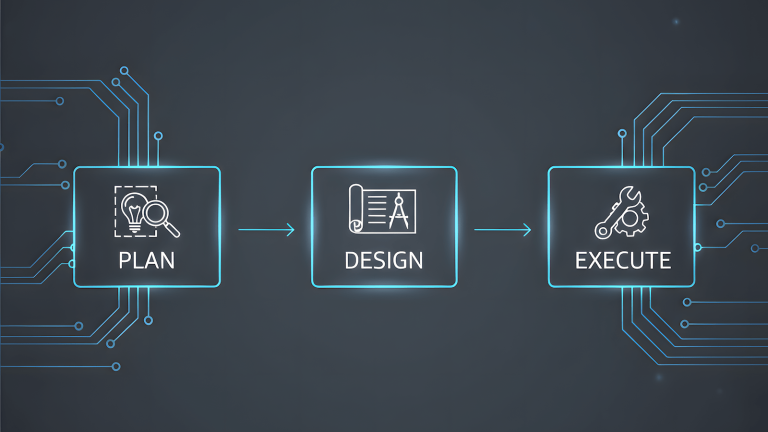
PowerPlanner is a 16-file PWA that calculates home renewable energy setups for solar panels, wind turbines, micro-hydro, rainwater collection, battery banks, financial projections, the works. It is live at powerplanner.vercel.app. It has a GitHub repo under the Smallware Co. org. It deploys automatically on every push via Vercel.
It is also still being tested.
That gap between deployed and done is the whole point of this post.
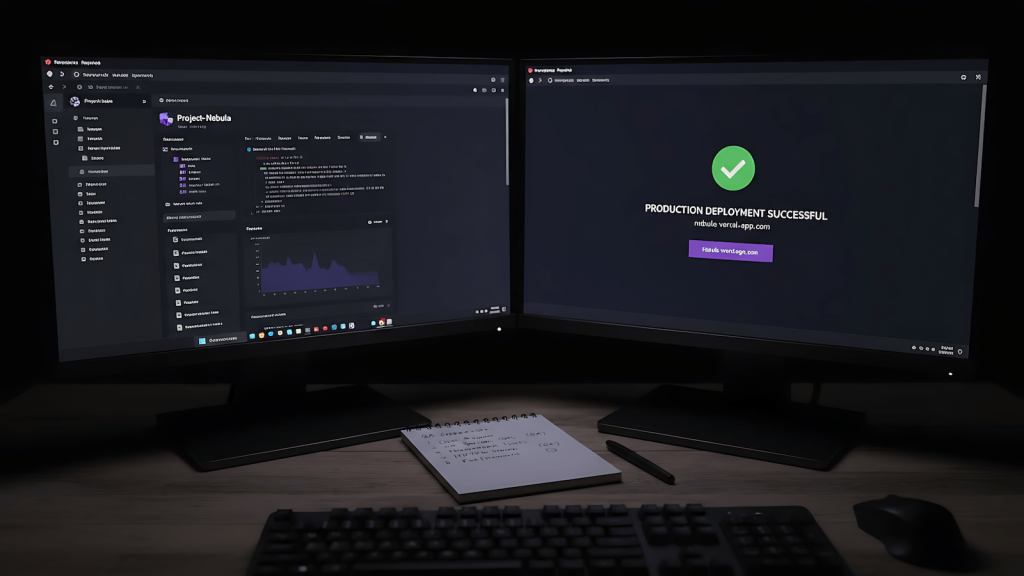
Vibe coding gets framed two ways. Either it is the future of software development where anyone can ship apps without knowing how to code, or it is a slop generator that produces confident-looking garbage that breaks the moment a real user touches it. Both framings are wrong. Vibe coding is a development strategy that works when the person running it understands what the AI is generating and owns the quality gate at the end. The coding knowledge requirement did not disappear. It moved from writing to reviewing. And the review that matters is not AI-generated tests against AI-generated code. It is human QA with actual context about what the app is supposed to do.
This post covers how PowerPlanner got built, how the deployment pipeline works, and why the skill file that drove the build is now available for anyone running a similar setup. If you want to skip to the skill file, it is at the bottom. If you want to understand why the pipeline is built the way it is, read the whole thing.
What Vibe Coding Actually Means When You Know What You’re Doing
The term comes from a specific kind of AI-assisted development where you describe what you want and the model generates the code. The criticism is fair when the person doing it treats the output as finished work. The output is never finished work. It is a first draft from a system that has no stake in whether the app actually functions correctly for real users in real conditions.
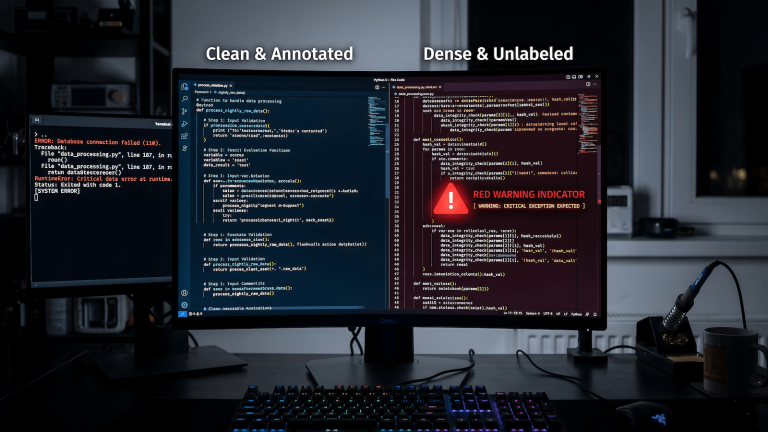
What changes when the operator knows code is the review layer. Reading generated code and understanding what it does, where it might fail, and what the spec said it should do requires the same knowledge as writing the code. The generation is faster. The responsibility is identical. That is the distinction that makes vibe coding a legitimate strategy rather than a shortcut.
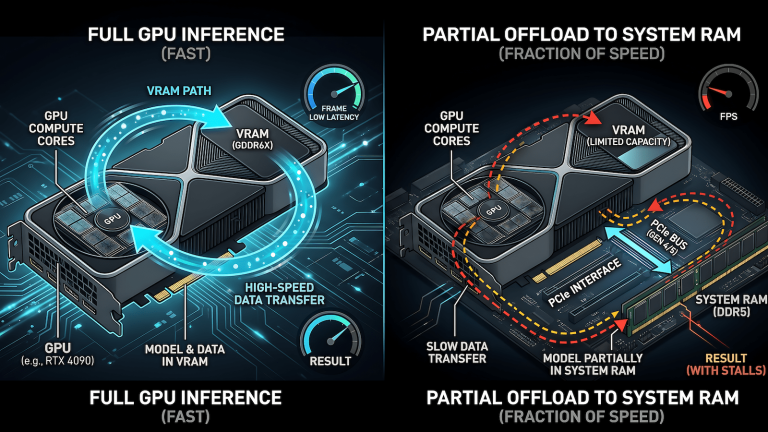
The other constraint that matters is scope. Local LLMs in particular perform significantly better on tighter, well-defined builds. A 16-file static PWA is achievable in one session. A full-stack application with authentication, a database, and external API integrations is not. Scoping correctly before starting is the difference between a session that produces a working app and a session that produces an impressive-looking mess that fails on closer inspection. As I covered in when to write code yourself vs let the model do it, the delegation decision is about how well-specified the problem is, how isolated the code is, and how critical the failure modes are. PowerPlanner scored well on all three: clear spec, isolated static files, low-stakes failure modes. That is why it was a good vibe coding candidate.
The Build: 16 Files, One Session, One Spec
PowerPlanner started as a conversation about a real problem. Meralco bills, three aircons, multiple desktops, a 24/7 machine running Ollama, a terrace that might be windy enough for VAWTs, and a cut drainpipe that could drive a micro-hydro turbine. The previous solar calculators I found online were locked to assumptions. Sliders pre-filled with averages. No control over real component specs or real prices. The decision to build rather than use an existing tool was a function of the existing tools not doing what the problem actually required.
The spec that came out of that problem definition covered: a four-tab PWA (Build, Results, Saves, Settings), six energy source types with their own input forms, pure math calculators with no DOM dependency, a financial projection engine with Meralco rate inflation, a named build save system using localStorage, a service worker for offline support, and a mobile-first layout that works on desktop without stretching. Sixteen files across four directories, each with a single responsibility. The architecture was designed before the first line of code was generated.
That architecture decision is the human contribution that makes vibe coding work. The model generates the implementation. The human designs the system. When those roles are reversed when the human describes a vague idea and lets the model decide the architecture, the output is harder to review, harder to extend, and harder to debug when something is wrong.
The Deployment Pipeline
The pipeline for a static PWA has no moving parts once it is set up. GitHub org for the repo, Vercel for hosting, automatic deploy on every push to main. The whole thing costs nothing on the free tier as long as the repo is public.
The friction points that nobody documents honestly: Vercel’s free Hobby tier requires a public repo when deploying from a GitHub org. Private org repos require Pro. The env variable section in the Vercel deploy UI has a bug where an open empty row blocks the deploy button and close it before hitting deploy. GitHub Desktop requires an explicit OAuth grant to see org repos, found under your personal account settings at github.com/settings/applications, not the org settings. None of these are difficult problems but all of them cost time when you hit them without warning.
The config for a pure static app on Vercel is nothing. Framework preset set to Other. Build command blank. Output directory blank. Install command blank. Vercel detects that there is no build step and serves the files directly. The service worker handles offline caching after the first load. The PWA manifest enables Add to Home Screen on mobile. The whole infrastructure is zero maintenance once deployed.
For the Smallware Co. pipeline specifically, every future app follows the same steps. One repo per app under the org, README and .gitignore before the first push, Vercel project pointed at the repo root, done. Alfred’s Vibe Coder agent writes to this pipeline by default. The deployment step is not a decision point. It is just the next step in the process.
Why the App Is Still Being Tested
PowerPlanner is functional. The math runs. The component forms accept real inputs. The results tab produces bill reduction percentages, payback periods, and year-by-year financial projections. The saves system works. The service worker registers. The PWA installs on mobile.
It is still being tested because functional and correct are not the same thing.
The energy math uses established formulas but the implementation needs verification against real-world scenarios. The wind output calculation uses the cube law correctly but the capacity factor approximation needs validation against actual VAWT data. The micro-hydro head efficiency formula is a reasonable approximation but needs checking against real pipe turbine performance curves. The financial projection compounds Meralco rate increases annually but the default rate increase percentage needs real historical data behind it rather than a reasonable assumption.
None of these are obvious bugs. They are the kind of issues that only surface when someone who understands the domain runs the tool against real inputs and checks the outputs against known correct answers. That is human QA. It requires domain knowledge, not just functional testing. An automated test suite can verify that the app does not crash when you add a solar panel. It cannot verify that the kWh estimate for that panel is correct.
This is why the AI-generated code passes tests, breaks production pattern exists. Tests verify behavior. They do not verify correctness. Human QA with context closes that gap.
The Skill File
The methodology that drove the PowerPlanner build is now packaged as a loadable skill file for Alfred and any compatible local LLM setup. It covers the full vibe coding pipeline: scoping format, prompt-as-spec structure, per-file and full-build review checklists, deployment pipeline steps, and the QA handoff trigger.
The skill file is designed for Ollama-compatible models but works with any instruction-following model including Claude. The lite version covers the essential operating rules in under one page. The full version covers every phase with checklists and format templates.
What Comes Next
PowerPlanner is App 1 from Smallware Co. The build is done. The testing is ongoing. When QA closes the loop the app gets its first update with validated math, corrected edge cases, whatever the testing surfaces. That is the cycle.
The QAJ post that follows this one covers the human QA side of an AI-generated codebase. Not how to write Cypress tests. How to think about testing code you did not write, when the code was generated by a model that had no way to know what correct actually means for your specific domain. The systematic debugging skill that ships with that post is the third piece of this trilogy. HobbyEngineered covered the idea that generated the tool. This post covered how the tool got built and shipped. QAJourney closes the loop on whether it actually works.
That is the full workflow. Idea to build to ship to test. AI accelerates the middle part. Humans own the beginning and the end.